Trezor Guide
How to create an additional account on your Trezor
A step-by-step guide for creating an additional Native SegWit account in Trezor Suite.
If you only want to insure part of your coins, or if you want to keep the privacy of your main wallet, you can create an additional account in Trezor Suite for the coins you want to insure.
Add an account
- Open Trezor Suite.
- Connect and unlock your Trezor.
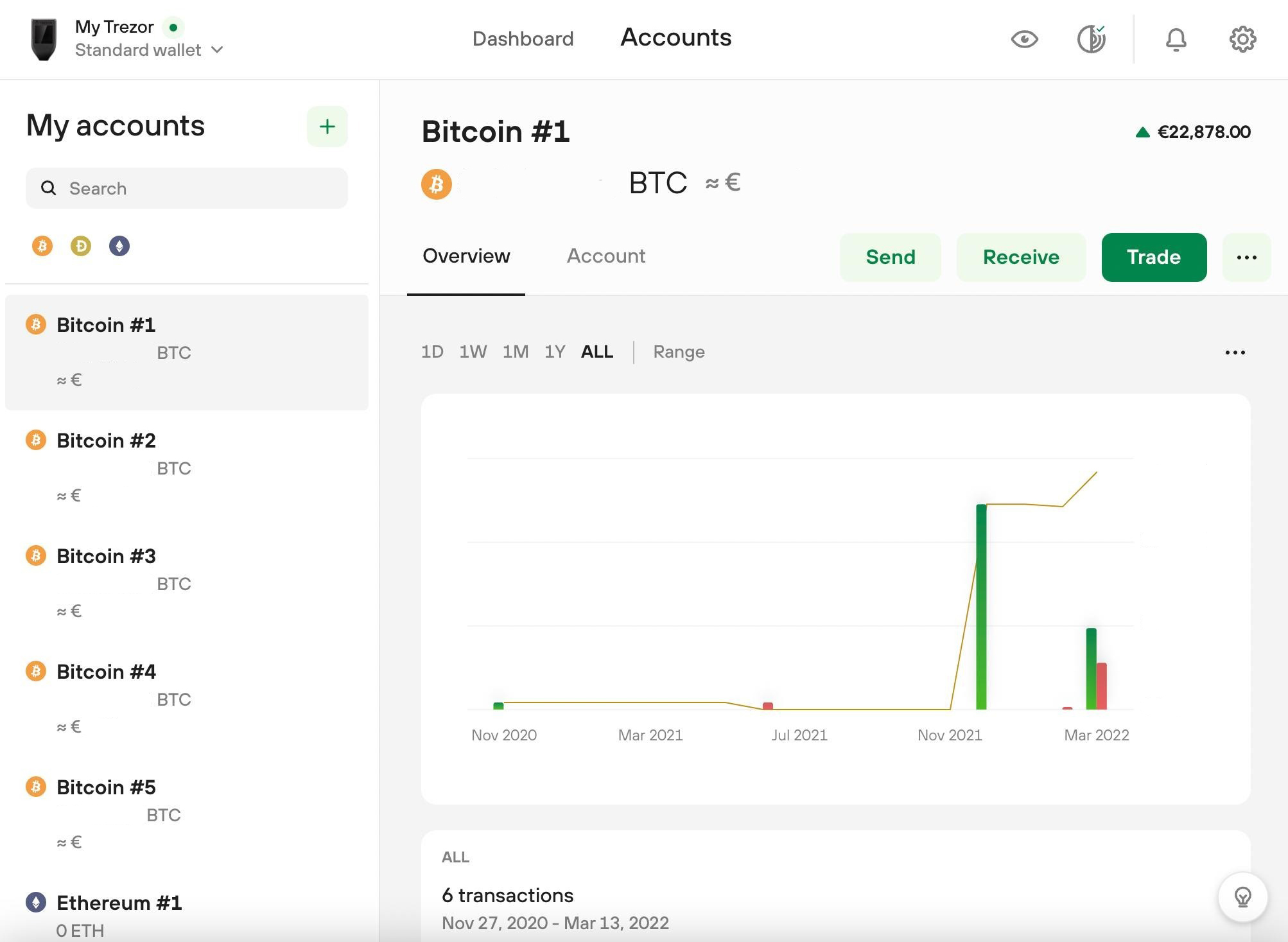
Start in Trezor Suite with your device connected and unlocked.
- In the left sidebar under My accounts, click the green plus.
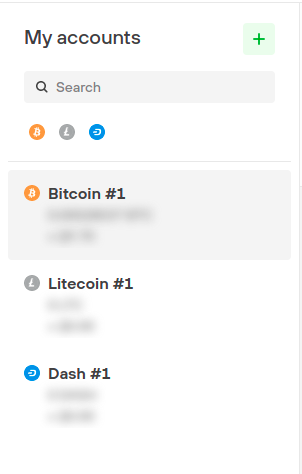
The plus opens the dialog for adding a new account.
- Select Bitcoin as the cryptocurrency and Native SegWit as the account type. Confirm with Add account.
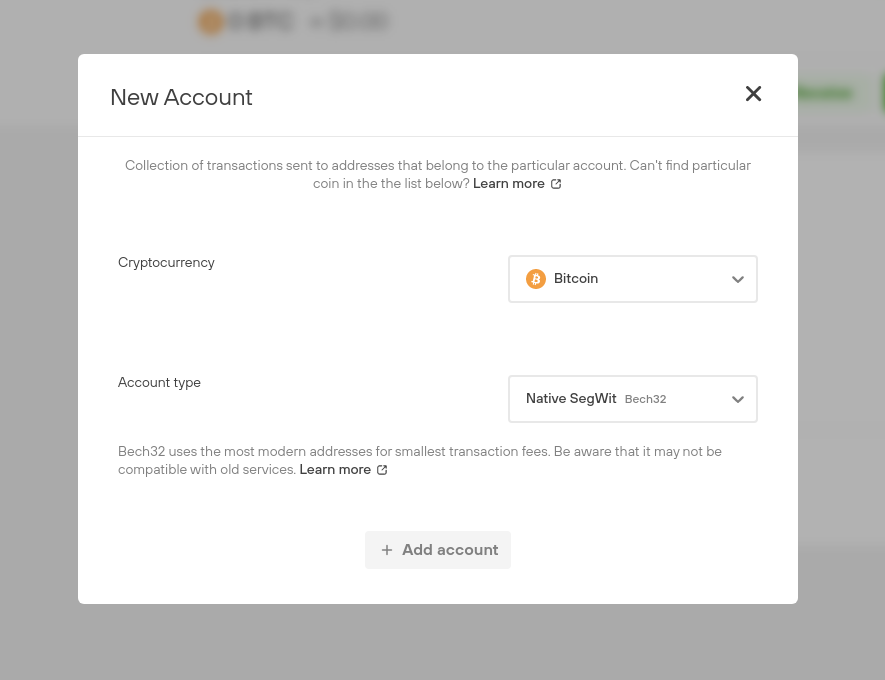
Native SegWit is the recommended account type for your new Bitsurance account.
- You will find the new account in the left sidebar under My accounts.
Select the new account, create a receiving address, and send the coins you want to insure to that address.